A Two-Year Web Scraping Pipeline
Building, running and monitoring an R and Python scraper that collected public video-ranking data across 31 countries for two years.
Summary
This project implements an end-to-end pipeline to collect, store, and visualize publicly available video-ranking data from a major online video platform. The aim was to explore geographic differences in popularity, track trends over different time windows (daily, weekly, monthly, yearly, all-time), and build a robust system that runs on a schedule with monitoring and backups.
Note: the project only collected information that is publicly visible on the site, and used rate limiting and scheduling safeguards to avoid putting load on it. See the Ethics, legal & safety section below for the precautions taken. The pipeline was retired in August 2025, after changes to the site cut the amount of usable data — and the insight that could be drawn from it — significantly.
Inspiration
One of my favourite authors, Sir David Spiegelhalter, has written a lot of very good books about statistics. Going through his back catalogue, one title stood out to the eighteen-year-old me — you may see why.

It was Spiegelhalter’s first book, and probably his weakest, but it grabbed my interest and made me want to see what public data an adult video platform actually exposes. So I collected it — for over two years — and built a small site to publish what I found. I stopped in summer 2025, partly because I wanted to move on to other projects and partly because changes to the site limited the insight left to gain.
My role
I developed and maintained the full pipeline:
- Designed the scraping logic and navigation (R + RSelenium).
- Implemented parsing and structured extraction for titles, views, like-ratio, durations, URLs and metadata.
- Built a lightweight maintenance/monitoring workflow (Python) to notify me when the pipeline fails and to manage backups.
- Created the visualizations and basic analyses used for exploratory reporting.
Tools & Technologies
- R: RSelenium, rvest, openxlsx, readxl, httr, netstat, wdman, binman
- Python: automation & maintenance scripts (notification + CI integration)
- Data storage: .xlsx backups, local/OneDrive sync
- Version control: Git (repository for code and visualizations)
- Visualization: ggplot2 in R, with Python alternatives for the maintenance scripts
Data collected
For each country and time window the scraper extracts up to 30 entries with the following fields:
date— scraping datetitle— video title (cleaned)views— number of views (raw string)likeRatio— like / dislike summary (raw string)duration— video durationURL— fully qualified link to the videofeaturedOn— channel or uploader infocountryID— two-letter country code (orworld)mostViewed— the window used (today,weekly,monthly,yearly,allTime)position— rank position for that listMorningOrEvening— a flag for time of scraping (optional)
The scraper cycles through 31 country codes (plus a global world listing) and collects categories selectively to reduce unnecessary requests (for example all-time is collected monthly).
Implementation details (high level)
Architecture & flow
- Bootstrap (R) —
LoadingPH()sets up RSelenium (browser driver), navigates the site, and handles consent dialogs (e.g., the “I am 18+” button and cookie prompts). - Loop over countries & windows — for each country code the script visits the appropriate URL for
today,weekly,monthly,yearly, orallTime(controlled by date logic to reduce frequency). - Parse HTML —
Readinghtml()reads the page source and extracts the 30 top videos using XPath selectors for title, views, likeRatio, duration, url and uploader. - Append & save — new rows are appended to the master Excel file and a dated backup is created.
- Monitoring & maintenance (Python) — when the R script fails due to structural changes or connectivity issues, a Python script posts a notification (WhatsApp Web in this case) and provides logs for debugging.
Key implementation notes
- The parser relies on XPath and CSS selectors. Because websites change frequently, the code includes fallback XPaths and
tryCatchlogic to handle common variations in structure. - A randomized sleep (
runif(25, 45)) between requests reduces server load and the risk of being rate-limited or blocked. - Only publicly-available metadata is collected — no authentication, scraping behind paywalls, or attempts to retrieve user-private data.
- Backups are stored under a dated directory with both a main Excel file and daily backups for recovery.
Ethics, legal & safety considerations
- Public data only: The scraper collects information that any visitor can see on the platform’s public pages. It does not attempt to access private pages or user account data.
- Rate limiting: Randomized delays between requests and limited-frequency scraping for low-variance endpoints (monthly/yearly/all-time) mitigate the risk of server overload.
- Robots & ToS: The site’s
robots.txtand Terms of Service were checked before the scraper was scheduled. Anyone reusing this code should do the same — some sites explicitly disallow automated scraping, and an official API is the better route where one exists. - Content warning: The project collects metadata about adult video content. No explicit titles are reproduced on this page, but the raw dataset in the repository does contain them — consider that a warning before opening it.
- Privacy & compliance: Only aggregate, non-personal metadata was stored. Scaling this work or publishing from it means checking the relevant laws (GDPR for any personal data) and platform policies first.
Maintenance & monitoring
- Failure detection: I built a lightweight notifier (Python + WhatsApp Web) which sends a message if uploads fail or unexpected HTML changes occur.
- Versioning: Code and data artifacts are tracked with Git. Store credentials and sensitive files outside the repository (use environment variables or secrets management for production).
- Recovery: Daily backups are kept locally/OneDrive to allow quick restoration.
- Operational checklist: Include a short checklist in the repo README for how to re-run the scraper and where to look for common fixes (changed XPaths, consent dialog moved, driver updates).
Limitations & future work
- Fragile selectors: XPath/CSS scraping is brittle to front-end changes. A more robust approach is to use official APIs (when available) or to implement resilient parsers that detect layout changes automatically.
- Data normalization: Many fields (views, like ratios) are scraped as strings. Parsing these into numeric types and normalizing locale-specific formats improves analysis quality.
- Storage & scale: Move from flat Excel files to a structured database (Postgres, BigQuery) for scalability and versioned analysis.
- Testing: Add unit tests for parsing routines and a small integration test that validates a known page snapshot.
- Ethical improvements: Add an explicit content filter and a configurable public-facing view that anonymizes sensitive strings before publishing.
Skills demonstrated
- Web scraping with RSelenium and rvest
- Handling production issues (browser drivers, consent dialogs, changing HTML)
- Building a monitoring and backup strategy
- Data cleaning, ETL, and visualization
- Cross-language automation (R + Python)
Webscraper Code
Daily Update Script
import os
import time
from time import gmtime, strftime
import pywhatkit as p
import pyautogui
from datetime import datetime
import keyboard as k
while (True):
    # note one hour behind
    if (strftime("%H:%M", gmtime()) == "13:30"):
        print("It works")
        newUpdate = False
        os.system("git add .")
        if(os.system("git commit -m'MorningDailyUpdate'") != 1):
            newUpdate = True

        if(newUpdate):
            #print("We get here")
            now = datetime.now()
            hour = int(now.strftime("%H"))
            min = int(now.strftime("%M"))
            p.sendwhatmsg("+44 xxxxxxxxxxx","Morning update complete with out any issues", hour, min + 2)
            pyautogui.click(1050, 950)
            time.sleep(2)
            k.press_and_release('enter')
            time.sleep(60)
            pyautogui.hotkey("alt", "f4")

        else:
            now = datetime.now()
            hour = int(now.strftime("%H"))
            min = int(now.strftime("%M"))
            p.sendwhatmsg("+44 xxxxxxxxxxx","ERROR with: Morning update", hour, min + 2)
            pyautogui.click(1050, 950)
            time.sleep(2)
            k.press_and_release('enter')
            time.sleep(60)
            pyautogui.hotkey("alt", "f4")
        time.sleep(60)
        os.system("git add .")
        os.system("git commit -m'MorningDailyUpdate'")
        os.system("git push")
Web-scraper and visualiser code
HerrNiklasLange/Webscrapper-PH
The site
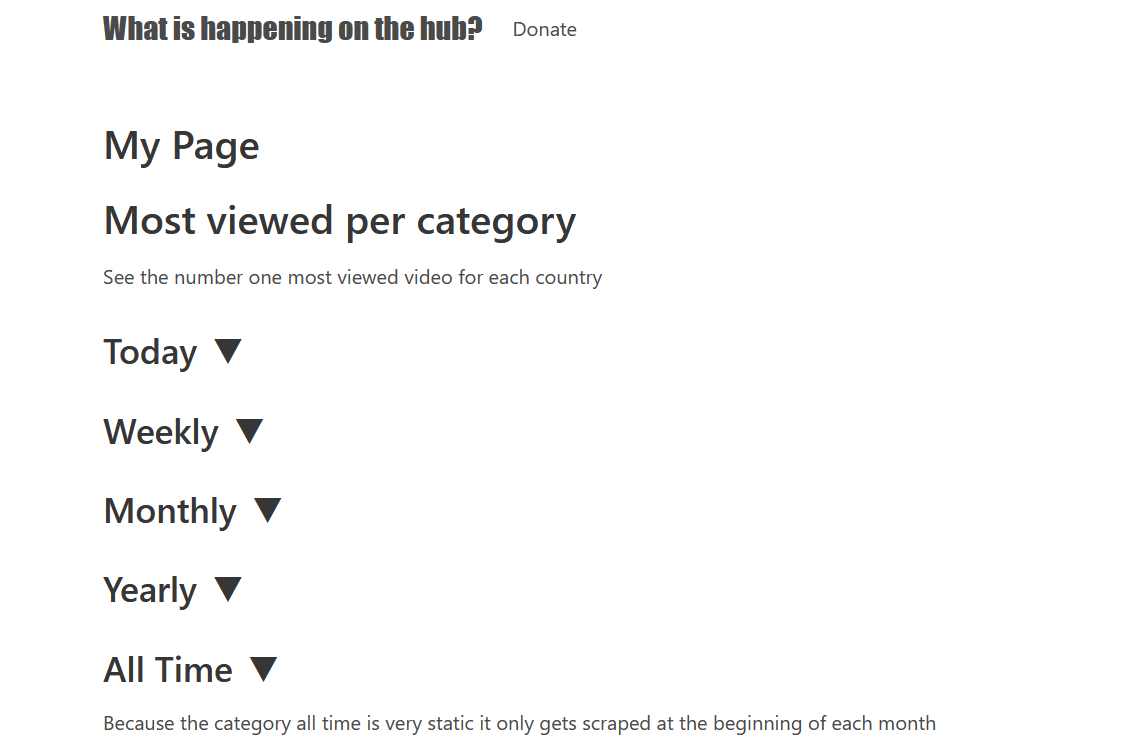
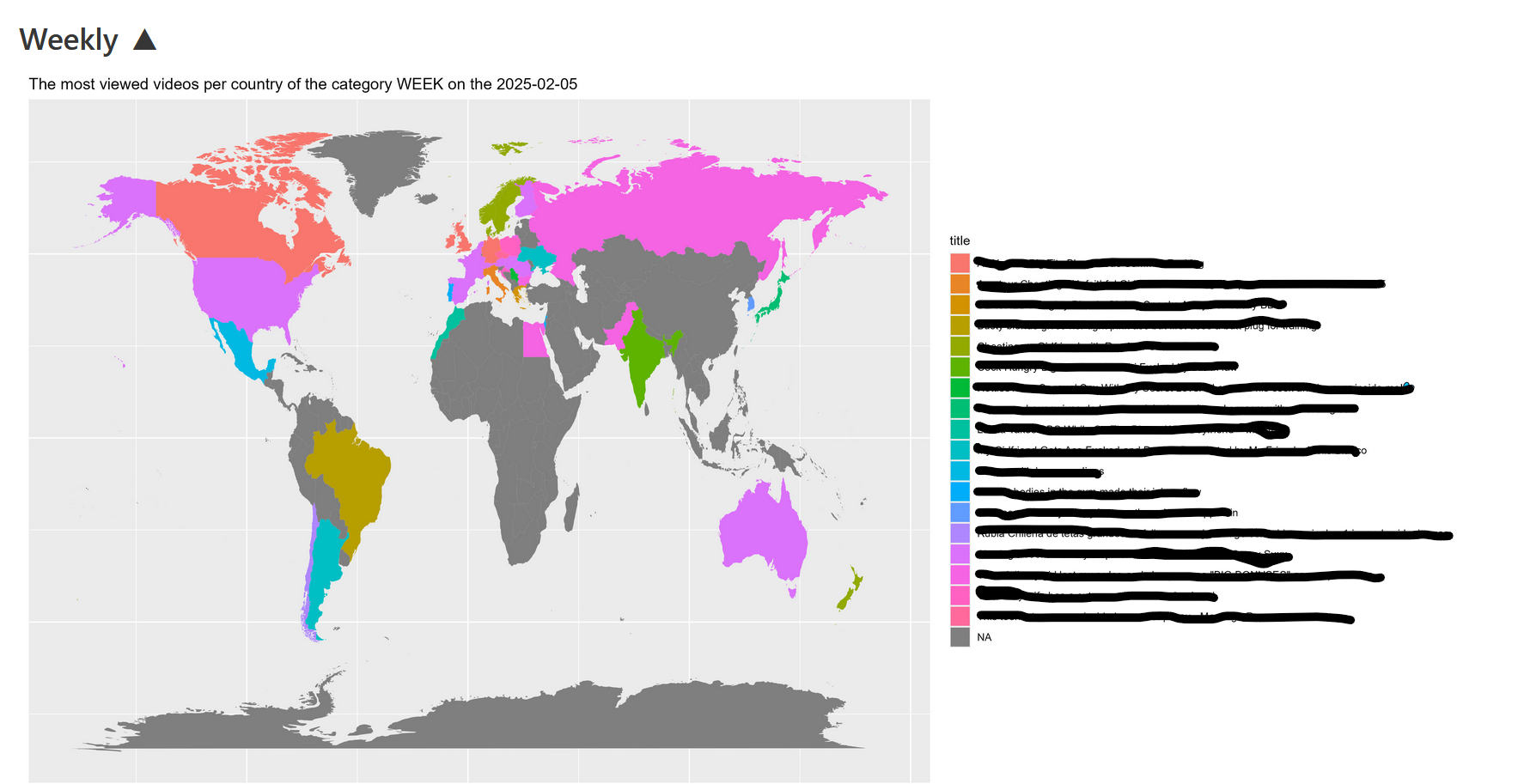
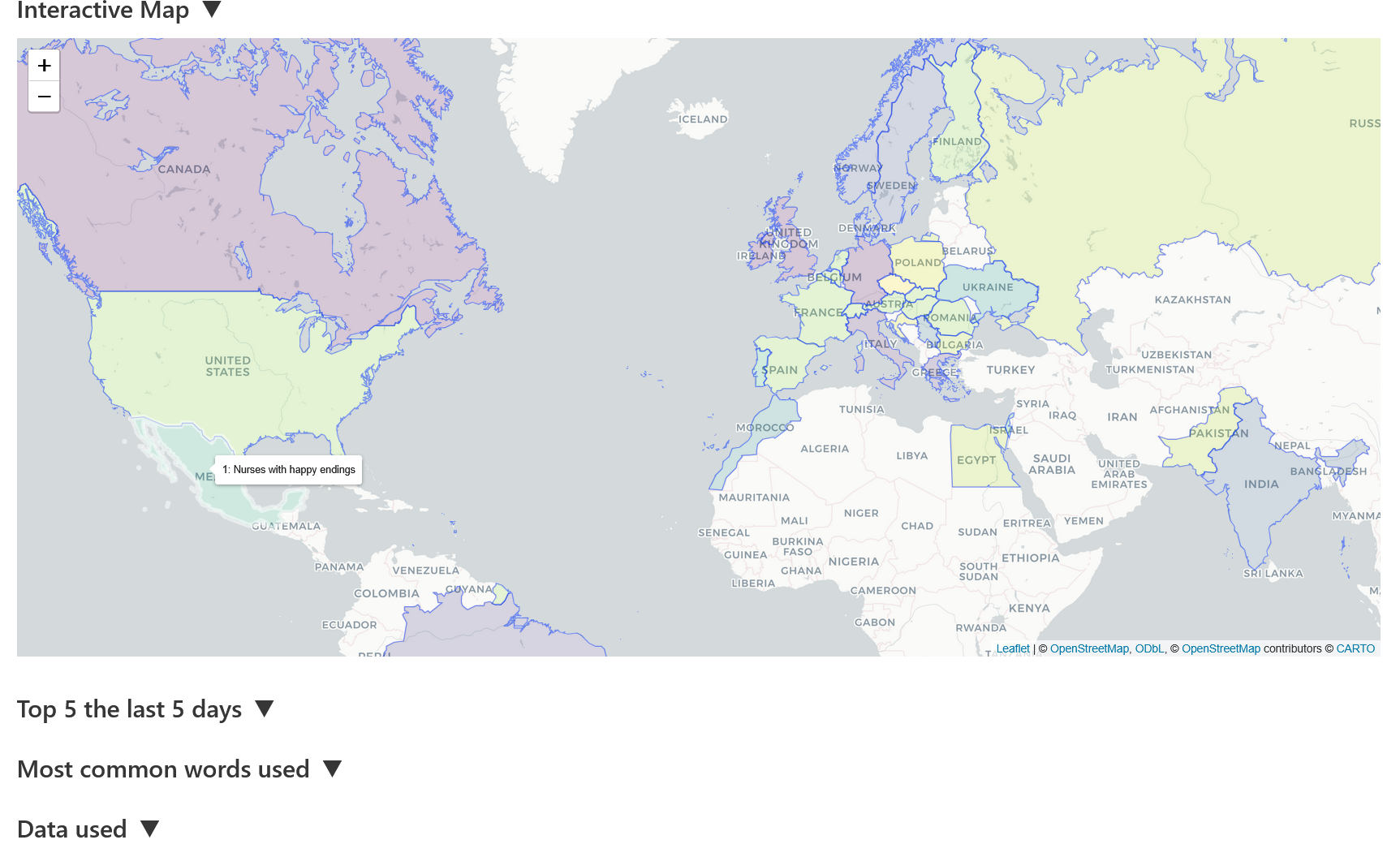
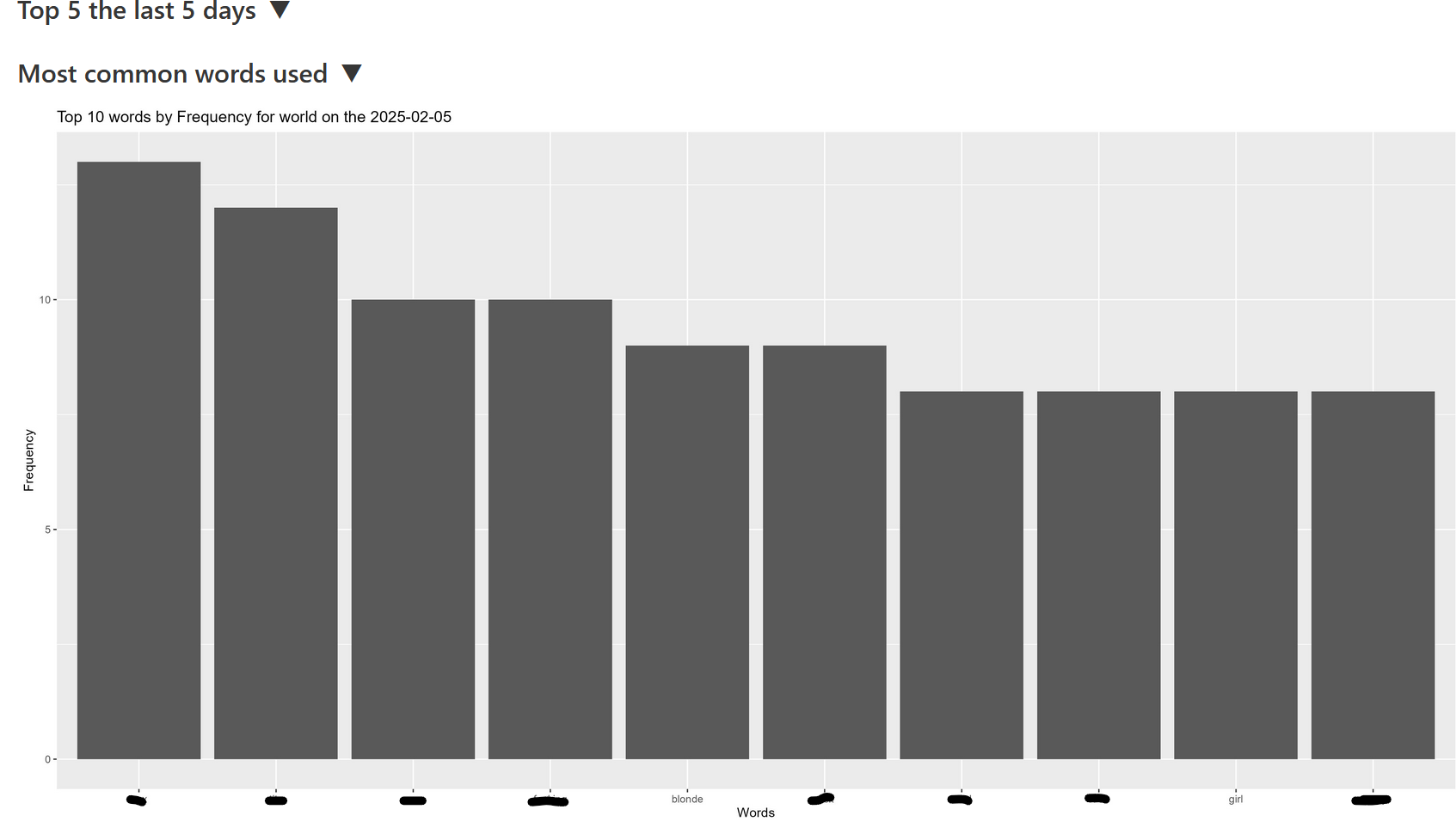
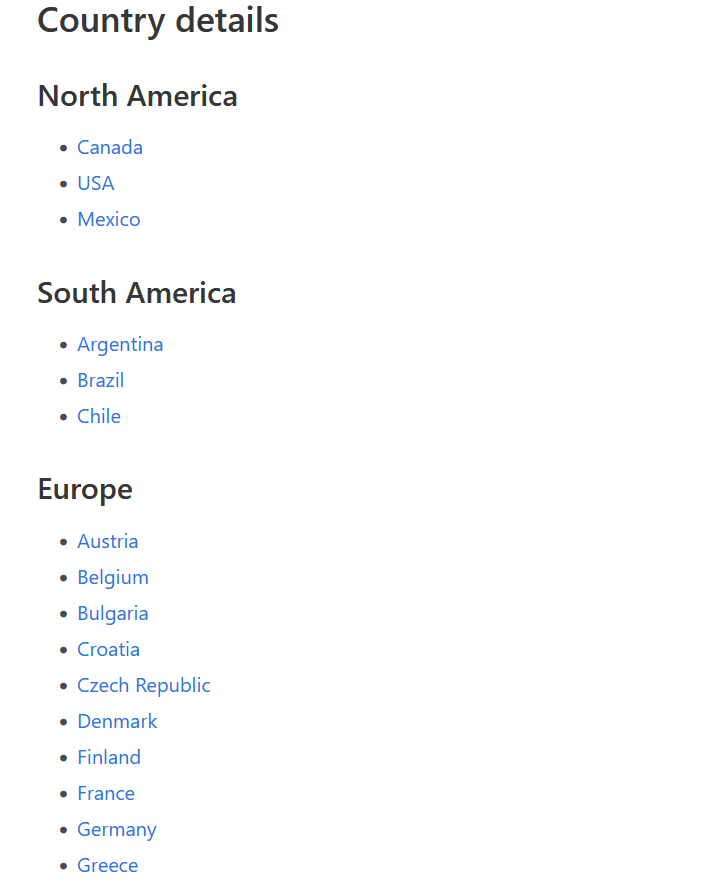
The site has since been taken down. It was deliberately basic, but it updated every day from 2023 until 2025. Some screenshots of what it looked like:
The data collected
Two years of collected data is available in the repository: Webscrapper-PH/data